Free AI video upscaler 4K: what free tools really give, and what this site does instead
A free AI video upscaler 4K enlarges each frame toward 3,840 × 2,160 pixels and guesses the detail, and this site is not one: its editor returns one photo at 1024 × 1024 in about 37 seconds from $0.13 on a monthly plan, and its video tool makes a 5-second 720p clip from one photo. Free with sign-up: 10 credits = 1 image.
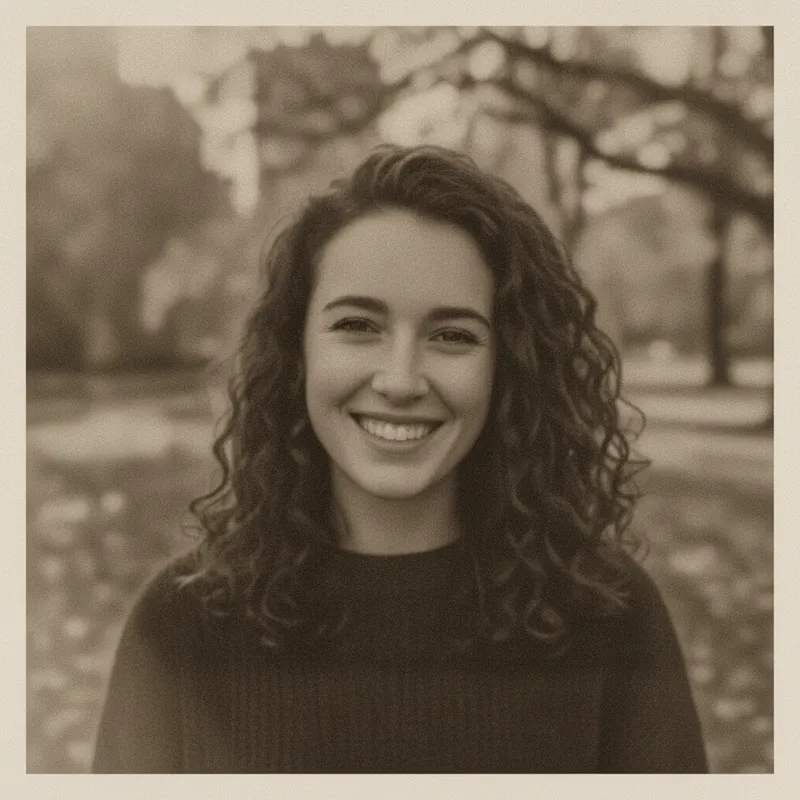
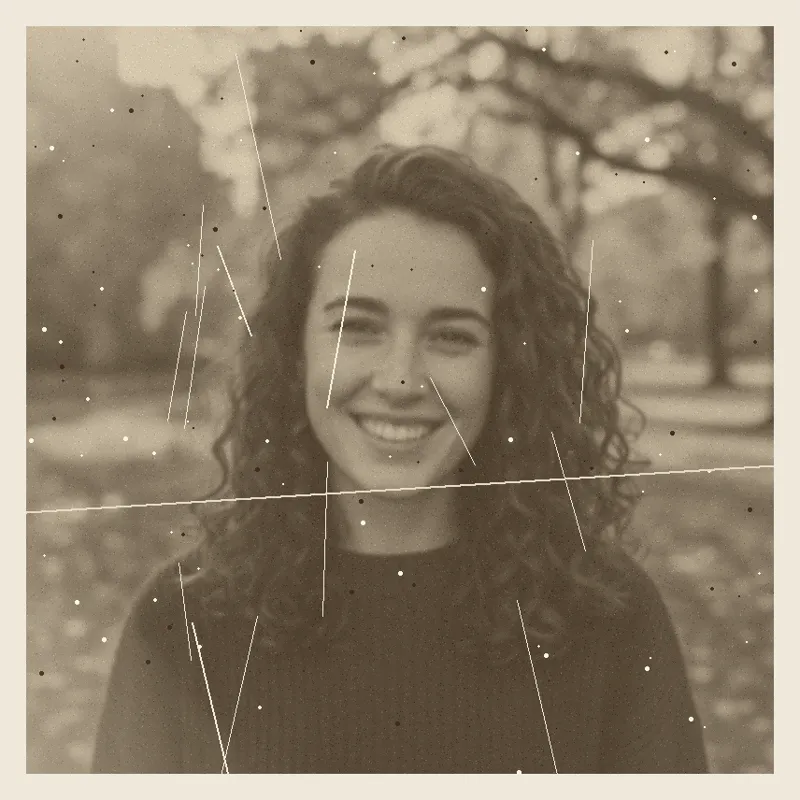 Your photo
Style changes (cartoon, 3D, anime) are not reliable yet. If the result looks unchanged, try again or describe the change more specifically.
One-tap edits
- Not an upscaler: images are 1024 × 1024, clips are 720p
- Free with sign-up: 10 credits = 1 image (photo editor only, not video)
- Video needs paid credits: 15 per clip
- more pixels in a 4K UHD frame than in a 720p one (Wikipedia, read 2026-11-19)
- 9×
- more pixels in a 4K frame than in our 1248 × 704 clip frame (our arithmetic)
- 9.4×
- every image edit here, about 37 seconds each; no upscaling
- 1024 × 1024
- per 5-second 720p clip, paid credits only, about $0.13 to $1.50
- 15 credits
What is a free AI video upscaler 4K?
A tool that takes a smaller video and returns one that is bigger, up to 4K UHD: 3,840 × 2,160 pixels, 8,294,400 per frame. Most also reduce noise and compression blocks. “AI” means a trained model fills in the new pixels by guessing, one frame at a time, for every frame in the clip. Video2X, an open-source one, lists Real-ESRGAN and Anime4K among its models. “Free” usually means a cap on length, size or daily use, and sometimes a watermark. This site does neither job: it edits photos at 1024 × 1024 and makes clips at 720p, so it is not a free AI video upscaler 4K in the sense most searchers mean.
- 4K UHD: 3,840 × 2,160 = 8.3 megapixels per frame
- The new pixels are guessed by a model, frame by frame
- This site: images 1024 × 1024, clips 720p, no upscaling
Does AI upscaling add real detail to a video?
Mostly it adds plausible detail. Research on the perception-distortion trade-off says that looking natural and staying faithful to the original pull against each other, and one vendor’s guide says an upscaler cannot recover information the camera never captured. The same guide lists what to check for: invented facial detail, halos, flicker from frame to frame, distorted text and plastic-looking skin. It also says upscaling does not fix shaky footage, bad audio or lips that are out of sync. CapCut’s page adds that very low-resolution or heavily compressed footage gives limited results. That guide’s publisher sells an upscaler, and its comparison is not a controlled benchmark, so treat it as a checklist, not a verdict.
- More pixels do not mean more recorded detail
- Faces, text and flicker are where inventions show
- It does not fix shake, sound or lip-sync
What do free video upscalers actually give?
Less than the headline. In the pages we read, Upsampler’s free tool takes up to 10 seconds, 720p and 50 MB, with no watermark and no sign-up, and does not state the output size, while 4K is in its premium tool. WaveSpeed says its free tool takes up to 60 seconds and 500 MB, reaches 3,840 × 2,160 with no watermark and no sign-up, and runs in your browser. TensorPix says its free version has no watermark and offers HD, Full HD and 4K, without saying which are free; a rival’s guide says its free preview is short and watermarked, so the two pages disagree. Magic Hour’s no-sign-up preview covers the first 3 seconds at up to 2× or 2K, and 4× and 4K are paid. All of this is the vendors’ own wording, and we ran none of it.
- Upsampler: 10 s, 720p, 50 MB free; 4K is premium
- WaveSpeed: 60 s, 500 MB, up to 4K, in the browser (claims)
- Magic Hour: 3 s preview free; 4K is paid
Our arithmetic: what going from 720p to 4K means for a clip
A 4K UHD frame has 8,294,400 pixels, nine times a 720p frame (1,280 × 720) by Wikipedia’s count. The two clips we made on this site’s video tool on 2026-11-19 measured 1248 × 704, which is 878,592 pixels, so a 4K frame holds 9.4 times as many. WaveSpeed lists 720p at 3×, and 3× of our clip is 3744 × 2112, a little short of 3,840 wide, so you would want a tool that targets 4K by name, not a fixed 3×. At 3× in each direction, eight of every nine output pixels are new ones filled in by the model. This is our arithmetic, not a test: we did not run our clip through any upscaler.
- 4K UHD 3,840 × 2,160 vs our clip 1248 × 704
- 3× of our clip = 3744 × 2112, not 4K
- Roughly eight in nine output pixels are new at 3×
Which tools can really reach 4K, free or paid?
The table below lists seven tools by what each page states. Two say they run free in a browser (WaveSpeed, Upsampler’s limited free tool), TensorPix and Magic Hour give free credits or a preview, CapCut offers it in its desktop editor without saying what is free, Video2X is free and open source but needs a Vulkan-capable GPU on your own machine, and Topaz Video is a paid subscription with local and cloud rendering. Which looks best, we do not know: we tested none, and no page we read gave an independent comparison. Pick by the limit that matters to you, such as length, size, price or where the file goes, then try your own clip.
- Free in a browser, with caps: WaveSpeed, Upsampler
- Free credits or a preview: TensorPix, Magic Hour
- Free, open source, local: Video2X; paid: Topaz Video
What this site does instead of a 4K video upscaler
Two things. The photo editor takes one photo and a request of up to 400 characters, or a one-tap preset, and returns one 1024 × 1024 image in about 37 seconds for 10 credits, so it can clean up a still frame from a video or a photo you plan to animate. The video tool turns one photo into one silent 5-second, 720p clip for 15 credits, paid credits only, about $0.13 to $1.50 a clip. Then, if you need a bigger clip, take the finished MP4 to a real upscaler from the table, because this site does not do that step. We have not run our own clips through one, so we cannot say how they look afterwards.
- Clean up one photo or frame: yes, 1024 × 1024
- Make a 5-second 720p clip from a photo: yes, paid credits
- Enlarge to 4K: no, use a tool from the table
What we read, and what we could not confirm
Pixel counts
- 4K UHD is 3,840 × 2,160, 8,294,400 pixels. It is exactly double 1080p in each direction (4× the pixels) and triple 720p (9×). 720p is 1,280 × 720, about 0.9 megapixels.Source: Wikipedia, 4K resolution ·
What upscaling does to detail
- Distortion and perceptual quality are at odds: as a restored picture gets closer to the original by a measure, restored outputs become easier to tell from real images. Blau and Michaeli, CVPR 2018.Source: arXiv 1711.06077 ·
- Real-ESRGAN is trained on purely synthetic data to restore low-resolution images with unknown real-world degradations. Its abstract lists no limits of its own. Video2X offers it as one of its models.Source: arXiv 2107.10833 ·
- An upscaler can improve perceived detail, edges and compression but cannot recover what was never captured; check for invented facial detail, halos, flicker, distorted text and plastic skin; it does not fix shaky footage, poor audio or out-of-sync lips. Its comparison is not a controlled benchmark.Source: Magic Hour guide (publisher sells a video upscaler) ·
What seven tools state themselves (vendor claims, not tested by us)
- Free tool: “Max 10s, 720p, 50 MB”, no watermark, no login, a small daily allowance of free GPU minutes (amount not stated); output size of the free tool not stated. Premium: sign-up, up to 4K input and output, more models. Free videos are processed on the fly and not permanently stored. A safety filter blocks sexual content and minors on every plan.Source: Upsampler (self-reported) ·
- Offers HD, Full HD and 4K output without saying which are free. Free credits at the start and weekly, amounts not stated. Its FAQ says the free version has no watermarks; most videos finish in about 2 to 5 minutes. Prices are not on the page. A rival’s guide says its free plan takes inputs up to 720p with a short, watermarked preview.Source: TensorPix (self-reported; a rival’s guide disagrees on the watermark) ·
- Says it is free: clips up to 60 seconds and 500 MB, MP4, MOV, WebM or MKV, no watermark, no sign-up, output up to 3,840 × 2,160, with 720p at 3× and 540p at 4×. Says the video is processed in your browser and not uploaded; no model is named.Source: WaveSpeed (self-reported) ·
- The first 3 seconds free with no sign-up at up to 2× or 2K; a free account can process longer videos at 2× with credits; 4× and presets up to 4K are paid. Plan prices are not shown (API from $0.028 a second); the free watermark is not stated directly.Source: Magic Hour (self-reported) ·
- Desktop editor with HD, UHD and 4K choices. The page says very low-resolution or heavily compressed footage gives limited results. Free versus paid, length and size limits, watermark and sign-up are not stated.Source: CapCut (self-reported) ·
- Open-source (AGPL-3.0) video upscaling and frame interpolation with Anime4K, Real-ESRGAN, Real-CUGAN and RIFE models; the GPU must support Vulkan; Windows installer, Linux packages, containers for Linux and macOS, and a free Google Colab route (up to 12 hours a session). Maximum output size not stated on this page; no independent benchmark.Source: Video2X on GitHub ·
- Upscales to 4K in the visible copy, and its structured data and FAQ also mention 8K. Personal $59 a month or $299 a year, with lower promotional prices shown; Pro $74 a month or $699 a year. Local rendering unlimited on paid plans; cloud rendering uses monthly credits. Some of the page’s prices are inconsistent. Free trial not stated.Source: Topaz Video (self-reported) ·
On this site: next steps
- The same honest answer for photos: what 4K means in pixels, what five photo tools state, and what the editor does instead.Source: This site: 4K photo enhancer
- The “is 16K real?” page: which tools claim 16K and whether a file that large helps.Source: This site: 16K upscaler
- Another page on this site, about smart upscalers.Source: This site: smart upscaler
- A page on this site for people looking for an alternative to Bigjpg, an image enlarger: three other tools, as they state themselves.Source: This site: Bigjpg alternative
- What the video tool makes, what a clip costs, and why free credits do not pay for it.Source: This site: free AI video generator, no restrictions
Not confirmed
- Whether any upscaler above behaves as stated: every number and claim is the vendor’s own and we tested none of them. Which one gives the best picture: we do not know, and no page we read compared them independently.Source: All tool pages above ·
- Upsampler’s output size for the free tool and its daily minutes; TensorPix’s free credit amounts, free outputs, watermark (its page and a rival’s guide disagree) and prices; WaveSpeed’s model and whether its in-browser claim holds; Magic Hour’s free credits, watermark and plan prices; CapCut’s free-versus-paid limits; Video2X’s maximum output; Topaz’s free trial, trial watermark and GPU needs. The pages we read did not state them.Source: Tool pages above ·
- Whether a 1,248 × 704 clip counts as 720p for Upsampler’s free limit (its page says 720p), and how a clip from this site looks after a real upscaler: we did not run it.Source: This page ·
- The pages that top the search results for the phrase, apart from TensorPix and Upsampler: free.upscaler.video, airbrush.com and imgupscaler.ai were not opened by us (a web-search tool, not Google, listed them), and we quote nothing from them.Source: Web search, 2026-11-19 ·
Compare
Video upscalers: stated limits, and this site
| Tool | Largest output as stated | Free tier and limits as stated | Price as stated | Where it runs |
|---|---|---|---|---|
| Upsampler | Free tool: output size not stated; premium up to 4K | Up to 10 s, 720p, 50 MB; no watermark, no sign-up; small daily allowance | Premium prices not on the page | Cloud; free videos processed on the fly, not permanently stored |
| TensorPix | HD, Full HD and 4K listed; which are free not stated | Free credits at the start and weekly, amounts not stated; its FAQ says no watermark | Not on the page | Web, about 2 to 5 minutes a video |
| WaveSpeed free tool | 3,840 × 2,160 (4K) | Free; up to 60 s and 500 MB; no watermark, no sign-up | Free; the cloud version’s price is not stated | Says in your browser, not uploaded; no model named |
| Magic Hour | Free preview up to 2× or 2K; 4× and 4K are paid | First 3 s free, no sign-up; free account: longer at 2× with credits | Plan prices not shown; API from $0.028 a second | Web |
| CapCut desktop | 4K (HD, UHD and 4K choices) | Download is free; what upscaling needs a paid plan is not stated | Not on the page | Desktop app |
| Video2X | Not stated on the page we read | Free and open source (AGPL-3.0) | No price | Your own Windows or Linux machine (containers for Linux and macOS), Vulkan GPU, or free Colab |
| Topaz Video | 4K in the visible copy; 8K also mentioned elsewhere on the page | Free trial not stated | Personal $59 a month or $299 a year; Pro $74 a month or $699 a year | Mac and Windows; local, or cloud with monthly credits |
| This site (not an upscaler) | Images 1024 × 1024; clips 720p (1248 × 704 measured); no upscaling | Free with sign-up: 10 credits = 1 image (photo editor only); video: no free credits | Image: 10 credits, from $0.13 on a monthly plan; clip: 15 credits, about $0.13 to $1.50 | Web, sign-in required |
Step by step
How to get a bigger clip: this site first, then a real upscaler
Start from the best source you have
An upscaler cannot add what the camera never recorded. If you will make a clip here, use your sharpest, best-lit photo; the clip comes out at 720p whatever the photo’s size. If you have your own footage, keep the original file untouched and work on a copy.
Make the clip here, or clean up a photo first
Buy credits (a clip costs 15, and only paid credits pay for it), upload one photo you have the right to use, pick a motion style and generate. A photo can be tidied first in the editor: 10 credits, 1024 × 1024. Watch the whole clip, because the model sometimes adds things you did not ask for.
Download the MP4 and pick an upscaler from the table
The result card has a Download button, and results are kept in My creations for 30 days. A 5-second clip is far inside the stated free limits of WaveSpeed (60 s, 500 MB) and Upsampler (10 s, 50 MB), but Upsampler’s page does not state the free output size, and only WaveSpeed’s names 3,840 × 2,160. Check each tool’s own page first: we ran none of them.
Compare with the original before you share it
Play both clips at full size and look at faces, hair, text and flicker between frames. Added detail is guessed, so keep the original and say the result is upscaled and AI-made when you post it.
Prompts
Clean-up prompts for frames and photos on this site’s editor
None of these three prompts was run for this page, and none enlarges an image: results are 1024 × 1024 whatever you start with. Use them on a frame you took from a video, or on a photo before you turn it into a clip. Results vary with the picture.
Clean up a still frame taken from a video
4K photo enhancerNot run. It cleans up a frame you took from a clip; it does not enlarge it, and the result is 1024 × 1024.
Clean up a soft still frame from a video
Keep my face, hair, clothes and the whole composition exactly the same. This is a still frame from a video: gently sharpen it, reduce the blocky compression artifacts and noise, and recover fine detail in hair and fabric without a plastic or over-smoothed look. No text, logos or watermarks.
Get a photo ready before turning it into a clip
Free AI video generatorNot run. A cleaner, better-lit photo is a better starting point for a 5-second clip; the clip itself is made on the video tool.
Get a photo ready before turning it into a clip
Keep my face, hair, clothes and the background exactly the same. Even out the lighting, reduce noise and grain, sharpen the eyes and hair slightly, and keep natural skin tones, so the photo is clean and well lit. Do not change the pose or add anything. No text, logos or watermarks.
Rescue a dark, grainy frame (not run)
Smart upscalerNot run. It brightens and de-noises one frame; it cannot bring back detail the camera never recorded.
Rescue a dark, grainy frame
Keep the people, pose and framing exactly the same. Brighten this dark, grainy frame a little, reduce the colour noise, keep shadows natural and not muddy, and keep skin tones natural. Do not smooth the skin. No text, logos or watermarks.
Pricing on this site
Credit packs or a monthly plan.
Credits come in one-time packs ($4.99 for 50 credits, $9.99 for 120 credits, $19.99 for 300 credits); each image costs 10 credits. Or pick a plan from $9.90 a month (500 credits), cancel anytime. A 5-second clip costs 15 credits.
Refund policy- Basic · $9.90/month500 credits a month · about 50 images · $0.20 per image
- Pro · $19.90/month1500 credits a month · about 150 images · $0.13 per image
Billed every month and renews automatically. Cancel anytime in Settings; you keep the plan until the end of the month you paid for. Each month's credits are for that month; unused ones expire.
Refund policyPhoto tools on this site
Edits, clean-ups and effects for your own photo at 1024 × 1024, and a video tool next to them


FAQ
Questions, answered
What is a free AI video upscaler 4K?
A tool that makes a video bigger, up to 3,840 × 2,160 pixels per frame, using a trained model to guess the new pixels, and that costs nothing or has a free tier. In the pages we read the free tiers are capped: a few seconds, a size limit, free credits or a preview, and 4K is often the paid part. The extra detail is guessed by software, not recorded by the camera.
Does this site upscale video to 4K?
No. The editor returns 1024 × 1024 images, and the video tool makes a fixed 5-second 720p clip (our two clips measured 1248 × 704) with no choice of resolution and no 4K export. Make the clip here, then take the finished MP4 to a tool from the table for the enlarging step.
Is there a free 4K video upscaler online, with no watermark?
Two pages state it: WaveSpeed says its free tool takes 60 seconds and 500 MB, reaches 4K, and has no watermark and no sign-up, and Upsampler says its free tool has no watermark and no login but takes only 10 seconds at 720p and does not state its output size. TensorPix’s page says no watermark, while a rival’s guide says its free preview is watermarked. We tested none of them, so check each page.
How do I upscale a video to 4K for free, or upscale an AI video to 4K?
Free routes in our table: WaveSpeed’s free tool, which says it works in your browser, Upsampler’s limited free tool, and Video2X, which is free and open source but needs a Vulkan-capable GPU on your own computer (Windows or Linux, or a free Google Colab session). For a clip from this site, download the MP4 first. We ran none of them, so try a short clip before a long one.
Does AI upscaling add real detail?
Mostly it adds plausible detail. Research on the perception-distortion trade-off says looking natural and staying close to the original pull against each other, and one vendor’s guide says an upscaler cannot recover what the camera never captured. Look for flicker, odd faces, distorted text and plastic skin, and compare with the original at full size.
Can I upscale a clip made on this site to 4K?
You can try: download the 5-second MP4 and run it through a tool from the table. Our clips measured 1248 × 704, so a 3× setting gives 3744 × 2112, short of 4K UHD’s 3,840 × 2,160. We have not run our clips through any upscaler, so we cannot say how they look afterwards.
Is making a video here free, and how much does it cost?
Partly: new accounts get 10 free credits after signing in, enough for 1 free image (once per account, valid for 7 days, while the day's new-account gifts last). That gift is for photo edits: video needs paid credits, 15 per 5-second clip, about $0.13 to $1.50 depending on what you bought. A photo edit costs 10 credits, from $0.13 per image on a monthly plan. Failed or timed-out results are refunded.
What is the best AI video upscaler?
We have not tested any, so we name none as best. The table lists what Upsampler, TensorPix, WaveSpeed, Magic Hour, CapCut, Video2X and Topaz Video state about their limits, free tiers and prices, as read on 2026-11-19. Try the free ones on your own short clip first.
Got a photo or a soft frame?
Upload one photo, describe the clean-up, and download a 1024 × 1024 result in about 37 seconds.
Clean up a photo hereIndependent site. Not affiliated with or endorsed by Upsampler, TensorPix, WaveSpeed, Magic Hour, CapCut, Video2X, Topaz Labs or any other tool named here; their names are used only to say what their own pages state. This site does not upscale or enlarge photos or video: its images are 1024 × 1024 and its clips are 720p. Facts about other tools come from their own pages, read on 2026-11-19, and are not tested by us; prices, limits and availability may change.