Christmas card · about 37 seconds
AI Christmas card generator: your photo on a card
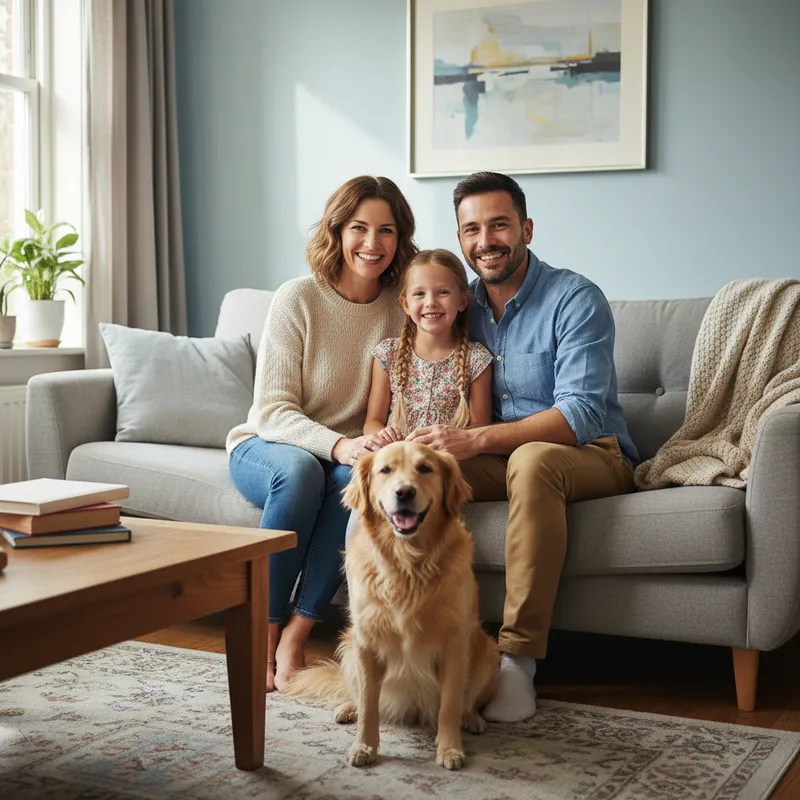
Upload one photo of your family, partner or pet and get a ready-to-share Christmas card image in about 37 seconds, from $0.13 per card on a monthly plan.
 Your photo
Style
- 5 card styles
- Failed cards refunded
- Uploads deleted after 24 h
- from upload to card
- ≈ 37 s
- per card on a monthly plan
- from $0.13
- 3 say Merry Christmas, 2 no text
- 5 styles
- credits returned if a card fails
- 100% back
Examples
Sample results: one photo in, one card out
Vintage postcard 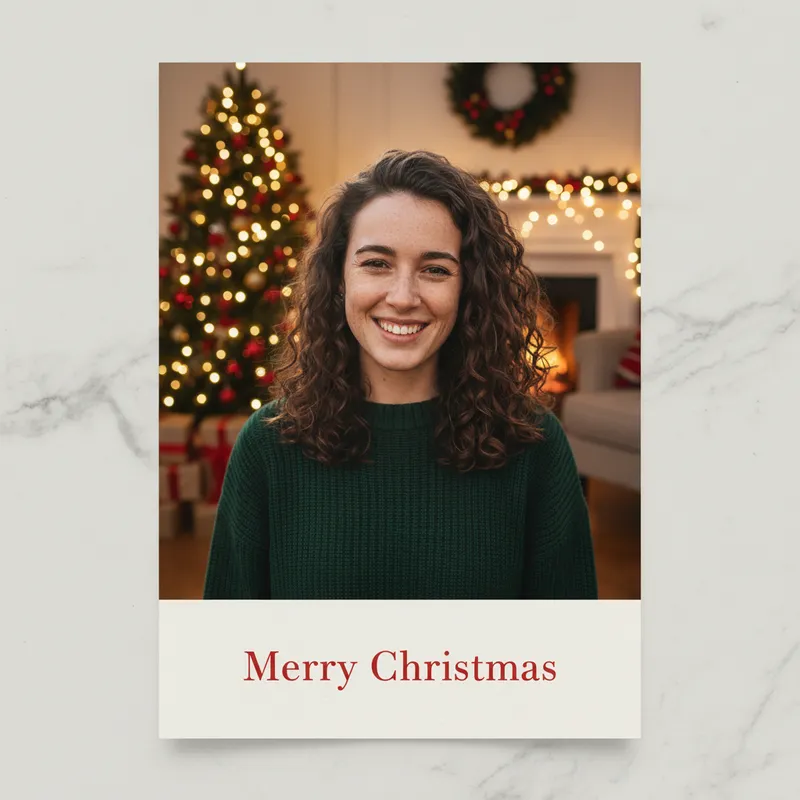

Classic photo card 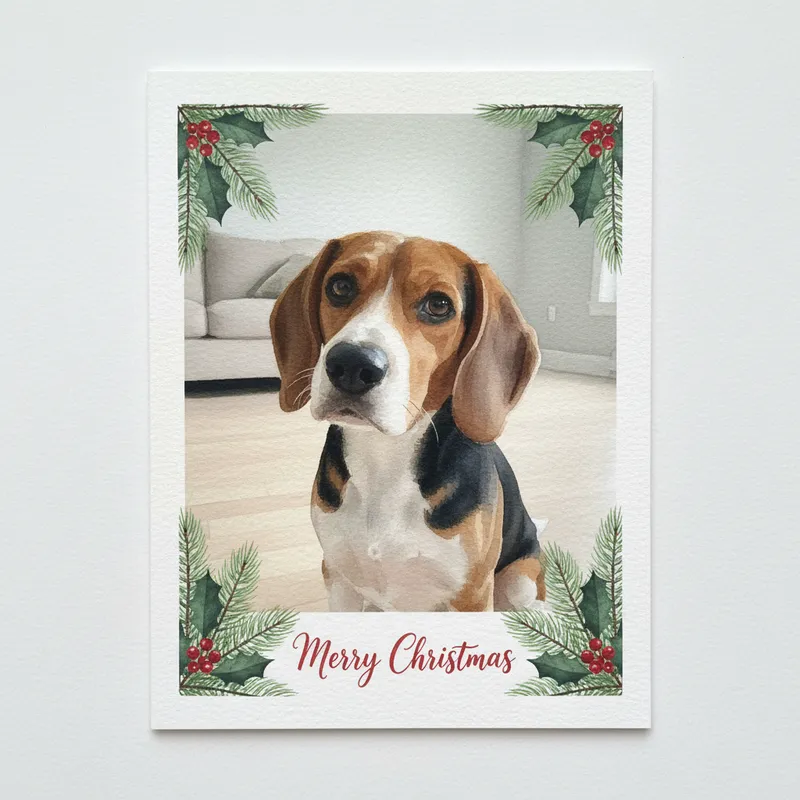

Watercolor 
Wreath frame
How it works
How to make a Christmas card from a photo
Everyone who should be on the card in one photo, faces visible. JPG, PNG or WebP up to 8 MB.
Three styles print "Merry Christmas" for you; Minimal leaves space to write by hand and Wreath frame has no text.
About 37 seconds per card. Send it in a message, post it, or print it small. If a card fails, the 10 credits come straight back.
Prompts
AI Christmas card prompts you can copy
One prompt per style on this page, written from the scene that style asks for, for pasting into a chat image tool together with your own photo. We have not tested them in other tools, so results there may differ. Or skip the prompt: pick the same style above and press Generate.
One prompt per style
Classic photo card
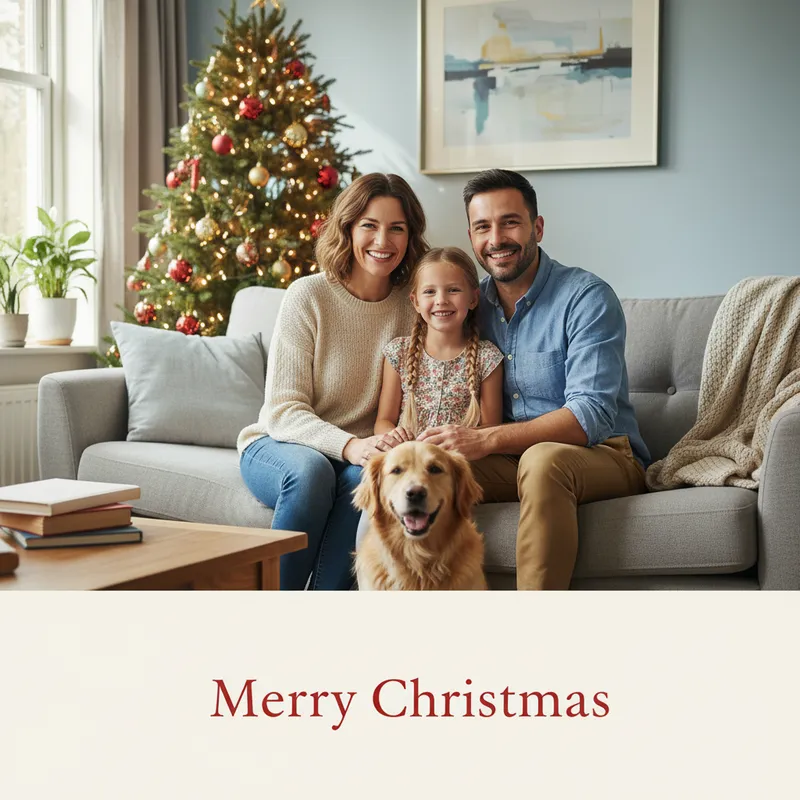
Using my uploaded photo, make a printed Christmas photo card. The people and pets are the main picture, in a cozy living room with a decorated tree and warm string lights. Below the picture is a cream panel with the words "Merry Christmas" in elegant red serif letters, spelled exactly like that, and no other text. Keep every person and pet recognizable, and do not add or remove anyone. No logos or watermarks.
Watercolor
Repaint my uploaded photo as a soft watercolor Christmas card on textured white paper, framed by pine branches, holly and red berries, with hand-lettered "Merry Christmas" at the bottom, spelled exactly like that, and no other text. Keep every person and pet recognizable, and do not add or remove anyone. No logos or watermarks.
Vintage postcard
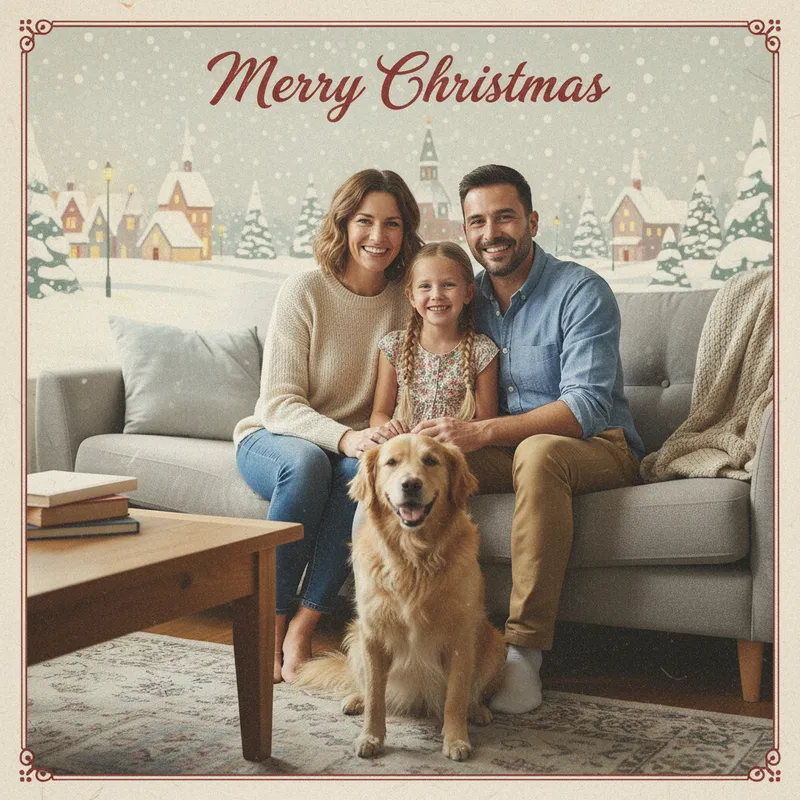
Turn my uploaded photo into a 1950s-style Christmas postcard: muted printed colors, fine paper grain, a snowy village in the background and a thin decorative border, with "Merry Christmas" in retro script at the top, spelled exactly like that, and no other text. Keep every person and pet recognizable, and do not add or remove anyone. No logos or watermarks.
Minimal, room to write
Using my uploaded photo, make a modern minimalist Christmas card: the people and pets on a deep green background with small gold stars and a thin gold frame, with a large empty area at the bottom left blank for a handwritten message. Keep every person and pet recognizable, and do not add or remove anyone. No text, logos or watermarks.
Wreath frame
Using my uploaded photo, place it as a printed photo inside a round wreath of pine, red berries and a red ribbon, lying on a wooden table, seen from above, with a few plain wrapped gifts and cinnamon sticks around it. Keep every person and pet recognizable, and do not add or remove anyone. No text, logos or watermarks.
What the card maker does and does not do
Works well with
- Several people or pets, if they are in the same photo
- A fixed "Merry Christmas" greeting, or a card with room to write
- Cards to send by message, post online or print small
Not available yet
- Your own text, such as a family name: the greeting is fixed
- Merging separate photos into one card
- Printing and mailing: you get a digital image
Pricing
Credit packs or a monthly plan.
Credits come in one-time packs ($4.99 for 50 credits, $9.99 for 120 credits, $19.99 for 300 credits); each card costs 10 credits. Or pick a plan from $9.90 a month (500 credits), cancel anytime.
Refund policy- Basic · $9.90/month500 credits a month · about 50 images · $0.20 per image
- Pro · $19.90/month1500 credits a month · about 150 images · $0.13 per image
Billed every month and renews automatically. Cancel anytime in Settings; you keep the plan until the end of the month you paid for. Each month's credits are for that month; unused ones expire.
Refund policyMore Christmas photo effects
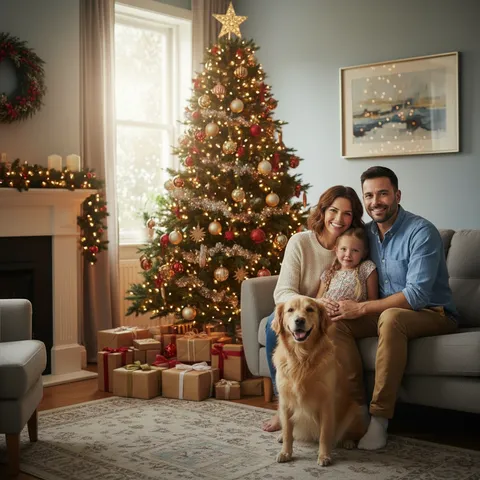
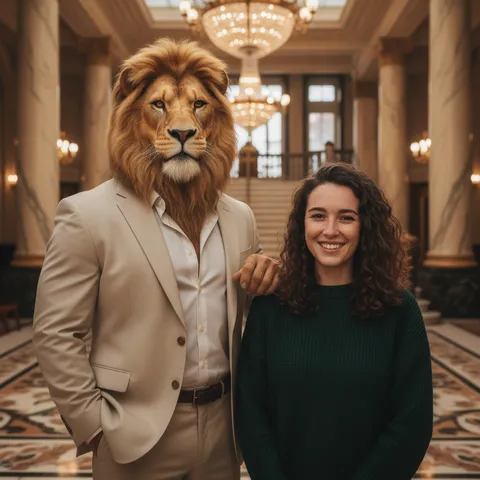
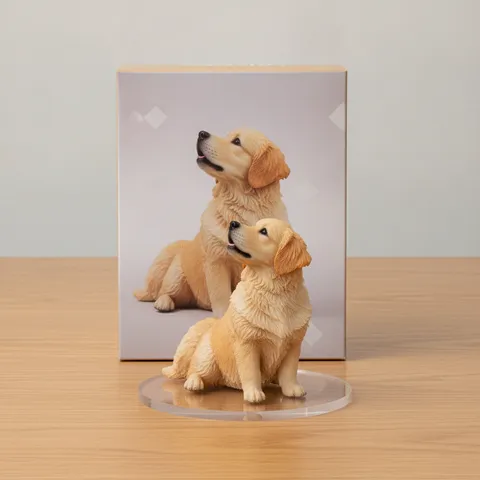
The Christmas photo hub and the other effects on this site


FAQ
Questions, answered
How do I make a Christmas card from my own photo?
Upload one photo, pick a card style and press Generate; the card is ready in about 37 seconds.
Is the AI Christmas card maker free?
Partly: new accounts get 10 free credits after signing in, enough for 1 free image (once per account). Each card costs 10 credits, from $0.13 per card on a monthly plan, or one-time packs from $4.99. Failed cards are refunded.
Can I add my family name or my own message?
Not yet: three styles print "Merry Christmas", and the Minimal style leaves space to write by hand.
Can I print the card?
Yes, for small prints: the download is about 1024 × 1024 pixels, which suits a phone screen or a small card rather than a large poster.
Can I put several people or pets on one card?
Yes, if they are in the same photo; merging separate photos is not supported.
What happens if a card fails?
The 10 credits for that card go back to your balance automatically.
Do you keep my photos?
On this site, only you can open your photos and results; to make the card, the photo is sent to our image provider (see the Privacy Policy). Your uploaded photo is deleted 24 hours after the card is made; the card is kept 30 days for you to download again.
Your Christmas card is one photo away.
Upload a photo, pick a style, download the card in about 37 seconds.
Make a card