AI photo editor · about 37 seconds
AI photo editor with prompt: type the change, get the edit
Upload one photo, type what to change or pick one of 8 one-tap edits, and get the edited image in about 37 seconds, from $0.13 each on a monthly plan.
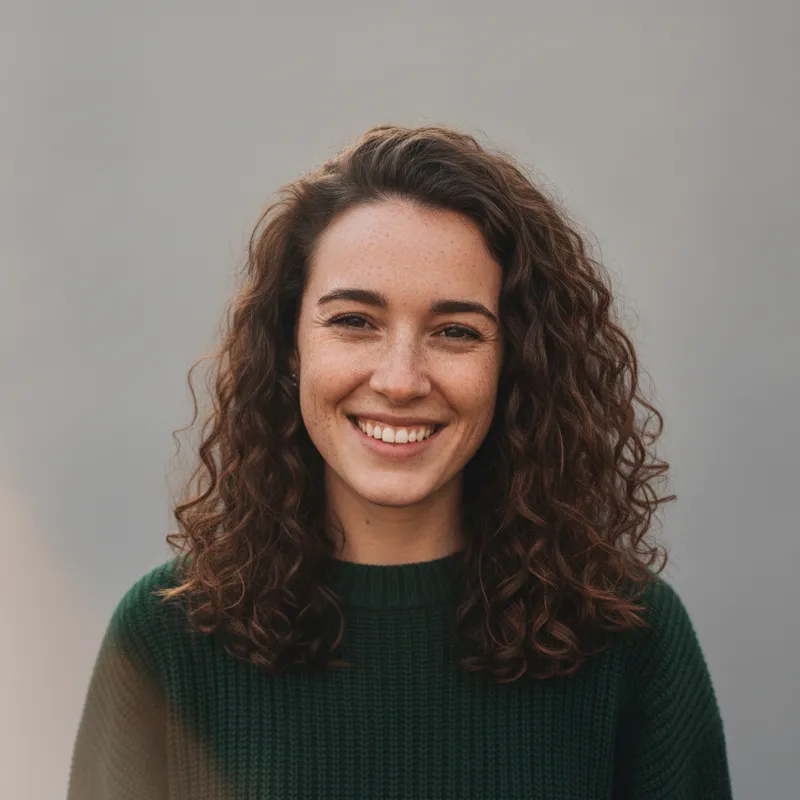
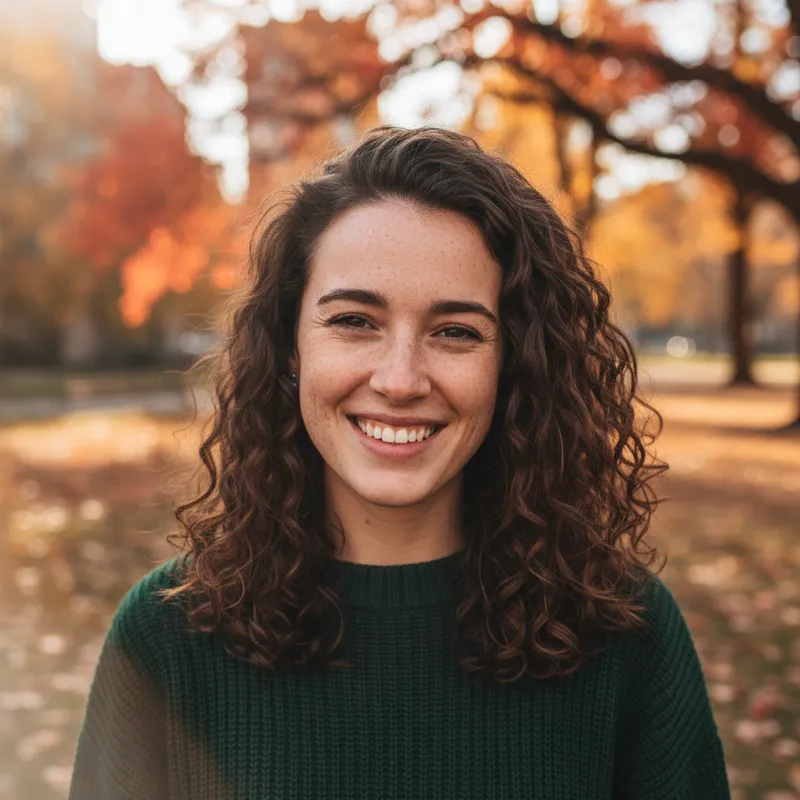 Your photo
Style changes (cartoon, 3D, anime) are not reliable yet. If the result looks unchanged, try again or describe the change more specifically.
One-tap edits
- Type it or tap it
- Failed edits refunded
- Uploads deleted after 24 h
- from upload to edited photo
- ≈ 37 s
- per image on a monthly plan
- from $0.13
- one tap, or type your own
- 8 edits
- credits returned if an edit fails
- 100% back
How it works
How to edit a photo with AI
JPG, PNG or WebP up to 8 MB. A photo you took, or one you have the right to use.
Type it in plain words, up to 400 characters ("replace the background with a beach at sunset"), or tap one of the 8 ready-made edits.
About 37 seconds. If the edit fails or the model declines it, the 10 credits come straight back.
Prompts
AI photo edit prompts you can copy
One prompt per style on this page, written from the scene that style asks for, for pasting into a chat image tool together with your own photo. We have not tested them in other tools, so results there may differ. Or skip the prompt: pick the same style above and press Generate.
One prompt per style
Remove background clutter
Edit my uploaded photo: remove distracting clutter from the background (stray objects, litter, bins, cables, signs and people in the background) and fill those areas naturally with what is around them. Keep the framing as it is. Keep every face, expression, pose and outfit exactly the same. No text, logos or watermarks.
Plain studio background
Edit my uploaded photo: replace the background with a plain, softly lit light-grey studio backdrop with natural soft shadows. Keep the framing as it is. Keep every face, expression, pose and outfit exactly the same. No text, logos or watermarks.
Professional headshot
Edit my uploaded photo into a clean professional headshot: a smooth neutral grey-blue background with a gentle gradient, soft even studio light on the face, the same crop or a slightly tighter head-and-shoulders crop. Keep every face, expression, pose and outfit exactly the same. No text, logos or watermarks.
Fix the lighting
Edit my uploaded photo: fix the lighting only. Balance the exposure, lift dark shadows on faces, tame blown-out highlights and correct the white balance so skin tones look natural. Keep every face, expression, pose and outfit exactly the same. No text, logos or watermarks.
Warm golden-hour light
Edit my uploaded photo: change only the light to warm, low golden-hour sunlight from one side, with soft long shadows and a warm glow, as if taken shortly before sunset. Keep the scene and framing. Keep every face, expression, pose and outfit exactly the same. No text, logos or watermarks.
Classic black and white
Edit my uploaded photo into a classic black and white photograph with rich contrast, deep blacks, clean whites and fine film grain. Keep the composition exactly as it is. Keep every face, expression, pose and outfit exactly the same. No text, logos or watermarks.
Watercolor painting
Repaint my uploaded photo as a soft watercolor painting on textured white paper, with loose washes and visible brush edges, keeping the same composition. Keep every person and pet recognizable, and do not add or remove anyone. No text, logos or watermarks.
Sharpen and clean up
Edit my uploaded photo: gently sharpen it, reduce noise and compression artifacts, and recover fine detail in hair, fabric and edges, without a plastic or over-smoothed look. Keep every face, expression, pose and outfit exactly the same. No text, logos or watermarks.
What it does and does not do
Good at
- Changing or cleaning up the background
- Fixing dull or uneven lighting
- Restyling a photo, e.g. as a watercolor
- Small edits that keep everything else as it is
Not allowed or not designed for
- Undressing, nudity or sexual edits: always refused
- Making anyone look like a real, named person
- Photos of other people you have no right to use
- Adding text, logos or brand characters
Pricing
Credit packs or a monthly plan.
Credits come in one-time packs ($4.99 for 50 credits, $9.99 for 120 credits, $19.99 for 300 credits); each edit costs 10 credits. Or pick a plan from $9.90 a month (500 credits), cancel anytime.
Refund policy- Basic · $9.90/month500 credits a month · about 50 images · $0.20 per image
- Pro · $19.90/month1500 credits a month · about 150 images · $0.13 per image
Billed every month and renews automatically. Cancel anytime in Settings; you keep the plan until the end of the month you paid for. Each month's credits are for that month; unused ones expire.
Refund policyMore photo tools
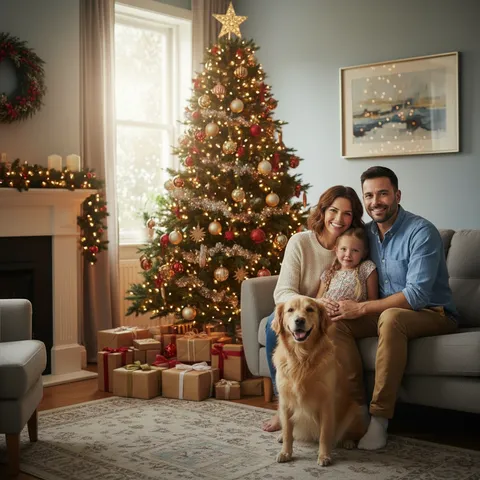
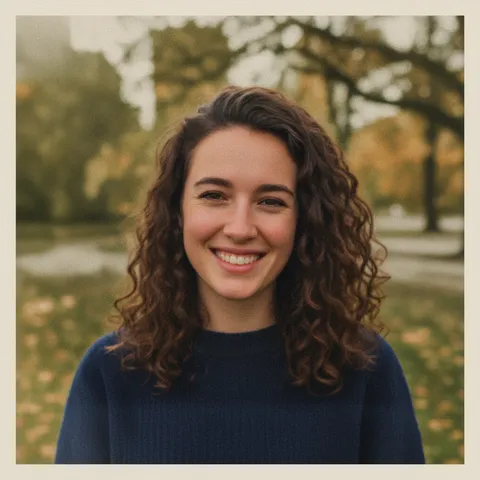
Restore old photos, prompt ideas and seasonal effects

FAQ
Questions, answered
How do I edit a photo with AI?
Upload one photo, type what you want changed or tap a ready-made edit, and press Generate.
Is this AI photo editor free?
Partly: new accounts get 10 free credits after signing in, enough for 1 free image (once per account). Each edit costs 10 credits, from $0.13 per image on a monthly plan, or one-time packs from $4.99. Failed edits are refunded.
Can I use my own prompt?
Yes. Write the change in plain words, up to 400 characters. The editor is told to change only what you ask and keep everything else as it is.
Will it change my face?
Every edit is told to keep faces, hair, skin tone, age and body shape the same; if a result fails, its credits come back.
What edits are not allowed?
Undressing, nudity or sexual content, anything sexual involving minors, making someone look like a real person, violence or gore, and hateful symbols. Such requests are refused before anything is charged.
What happens if the model declines my edit?
Nothing is made and your 10 credits go straight back to your balance; try a different change.
How long does an edit take?
About 37 seconds per image.
Your edit is one sentence away.
Upload a photo, say what to change, download it in about 37 seconds.
Edit a photo