Old photo colorization · about 37 seconds
Colorize old photos with AI
Upload a scan or phone photo of an old picture, choose one of 3 options (restore, colorize, or both) and get the result in about 37 seconds, from $0.13 each on a monthly plan.

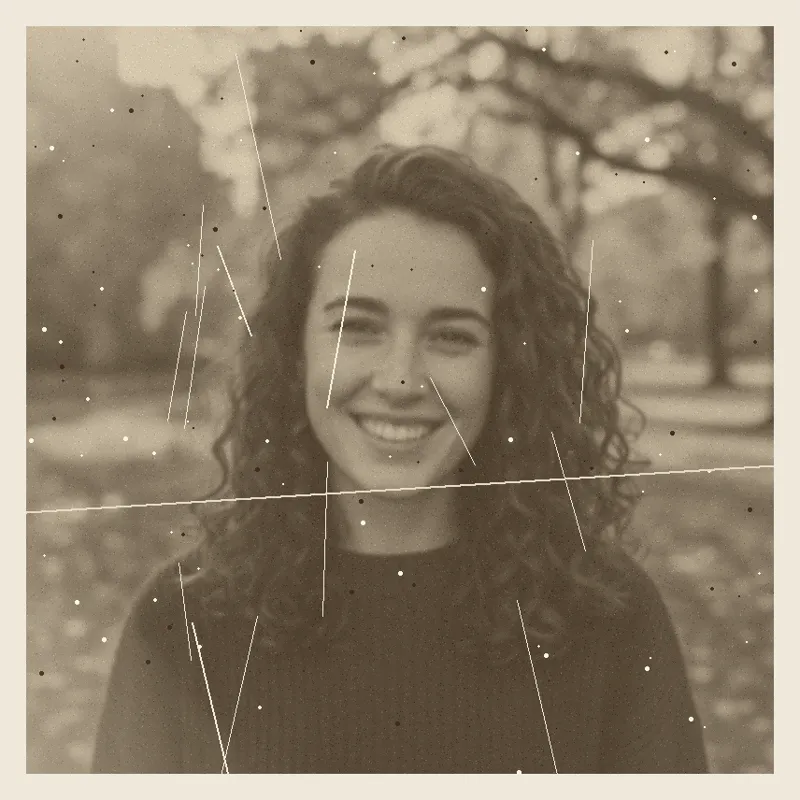 Your photo
Style
- Faces kept as they are
- Failed images refunded
- Uploads deleted after 24 h
- from upload to restored photo
- ≈ 37 s
- per image on a monthly plan
- from $0.13
- restore, colorize, or both
- 3 options
- credits returned if an image fails
- 100% back
How it works
Restore old photos and colorize them in three steps
A flatbed scan works best. With a phone: lay the print flat in daylight, no flash, fill the frame, avoid glare. JPG, PNG or WebP up to 8 MB.
Restore repairs scratches, dust, creases, tears and fading and keeps the original colors. Colorize adds natural color to a black and white photo. Both does the repair first, then the color.
About 37 seconds. If an image fails, the 10 credits come straight back.
Prompts
Old photo restoration prompts you can copy
One prompt per style on this page, written from the scene that style asks for, for pasting into a chat image tool together with your own photo. We have not tested them in other tools, so results there may differ. Or skip the prompt: pick the same style above and press Generate.
One prompt per style
Restore
Restore my uploaded old photo: remove scratches, dust, spots, creases and stains, reduce fading and blur, and even out the exposure, keeping its original colors (a black and white photo stays black and white) and its framing and grain. Keep every face exactly as it is and do not invent details that are not in the photo. No text, logos or watermarks.
Colorize
Colorize my uploaded black and white or faded photo with natural, realistic colors that fit its era: believable skin tones, hair, clothing, sky and surroundings, with subtle saturation rather than bright modern colors. Do not change anything else. Keep every face exactly as it is and do not invent details that are not in the photo. No text, logos or watermarks.
Restore + colorize
Restore my uploaded old photo, then colorize it: remove scratches, dust, spots, creases and stains, reduce fading and blur, then add natural, realistic colors that fit its era, with believable skin tones and subtle saturation. Keep the framing and background. Keep every face exactly as it is and do not invent details that are not in the photo. No text, logos or watermarks.
What it does and does not do
Works well with
- Scratches, dust, spots, creases and small tears
- Faded, yellowed or low-contrast prints
- Black and white family photos that need color
Limits
- Missing parts are filled plainly, not reinvented
- Colors are a plausible guess, not the true original
- Very small or badly blurred faces stay soft
Pricing
Credit packs or a monthly plan.
Credits come in one-time packs ($4.99 for 50 credits, $9.99 for 120 credits, $19.99 for 300 credits); each image costs 10 credits. Or pick a plan from $9.90 a month (500 credits), cancel anytime.
Refund policy- Basic · $9.90/month500 credits a month · about 50 images · $0.20 per image
- Pro · $19.90/month1500 credits a month · about 150 images · $0.13 per image
Billed every month and renews automatically. Cancel anytime in Settings; you keep the plan until the end of the month you paid for. Each month's credits are for that month; unused ones expire.
Refund policyMore photo tools
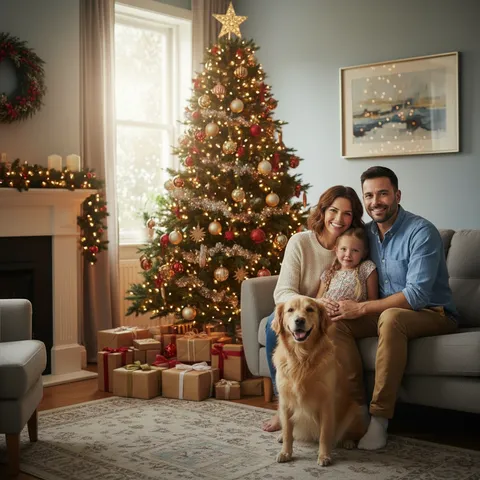
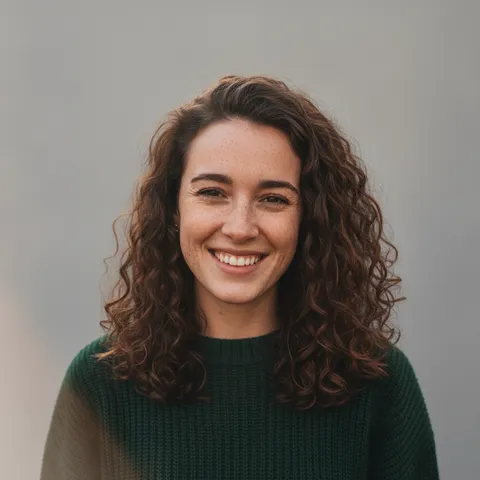
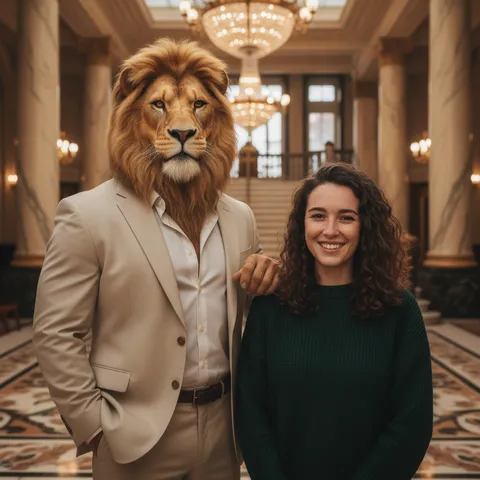
The AI photo editor, prompt ideas and seasonal effects

FAQ
Questions, answered
How do I restore an old photo with AI?
Scan or photograph the print, upload it, choose Restore, Colorize or both, and press Generate.
Can I restore old photos for free?
Partly: new accounts get 10 free credits after signing in, enough for 1 free image (once per account). Each image costs 10 credits, from $0.13 per image on a monthly plan, or one-time packs from $4.99. Failed images are refunded.
Will it change the faces?
Every option is told to keep faces, features, expressions and hair as they are and not to invent details; if a result fails, its credits come back.
Are the colors accurate?
They are a natural, era-appropriate guess; the model cannot know the original colors of clothes or rooms.
Can it fix a torn or missing corner?
Small tears and creases, yes; a large missing area is filled plainly to match its surroundings, not redrawn with new details.
What is the best way to scan an old photo?
A flatbed scan at 600 dpi or more; with a phone, shoot the print flat in daylight without flash or glare.
How long does it take?
About 37 seconds per image.
Bring an old photo back.
Upload a scan, choose restore or colorize, download it in about 37 seconds.
Restore a photo