Christmas photo · about 37 seconds
AI Christmas photo generator for your own photo
Upload one photo of yourself, your family or your pet, pick one of 8 Christmas styles and get your AI Christmas photo in about 37 seconds, from $0.13 each on a monthly plan.
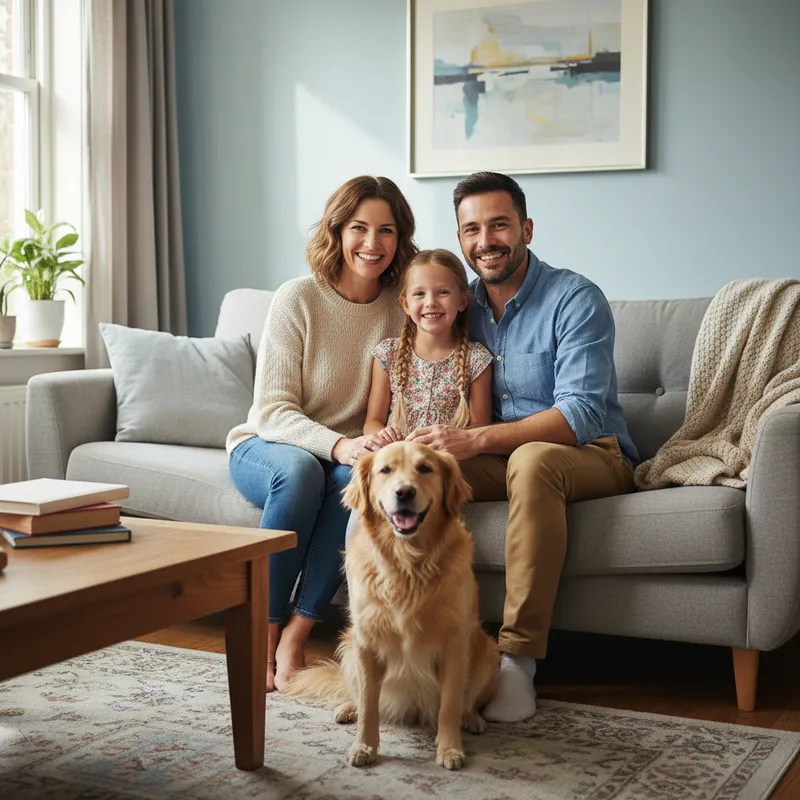 Your photo
Style
- 8 Christmas styles
- Failed images refunded
- Uploads deleted after 24 h
More Christmas tools
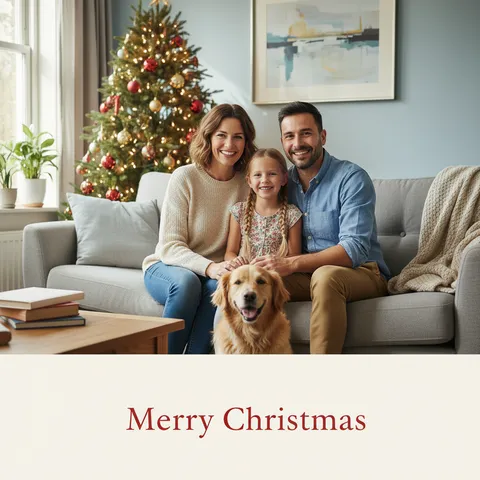
The Christmas card maker and the other effects on this site
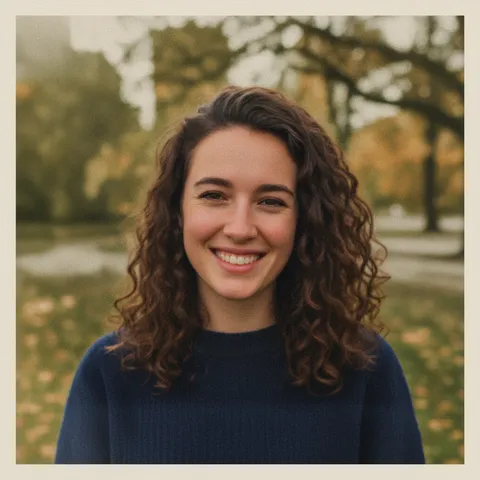
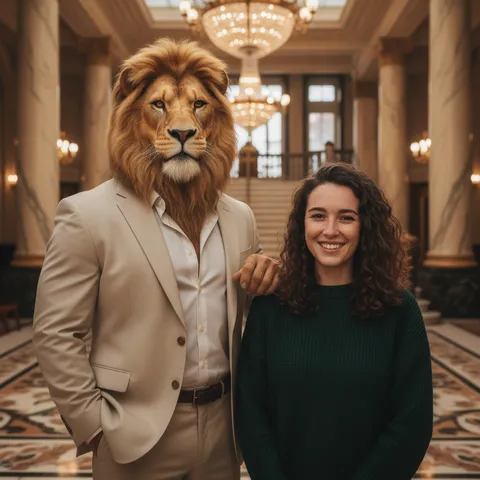
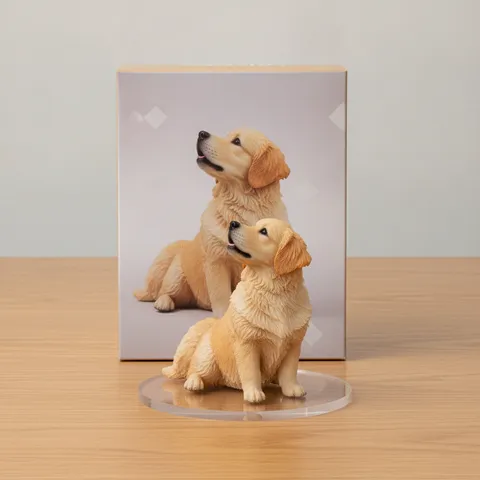
- from upload to photo
- ≈ 37 s
- per image on a monthly plan
- from $0.13
- scenes, film, snow globe, hat
- 8 styles
- credits returned if an image fails
- 100% back
Examples
Sample results, one per style
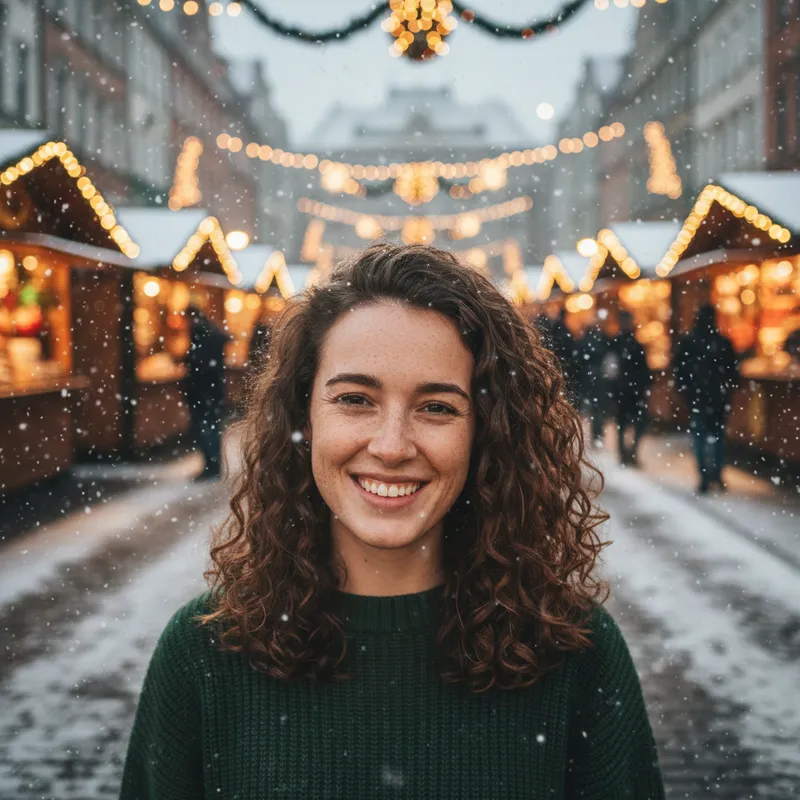
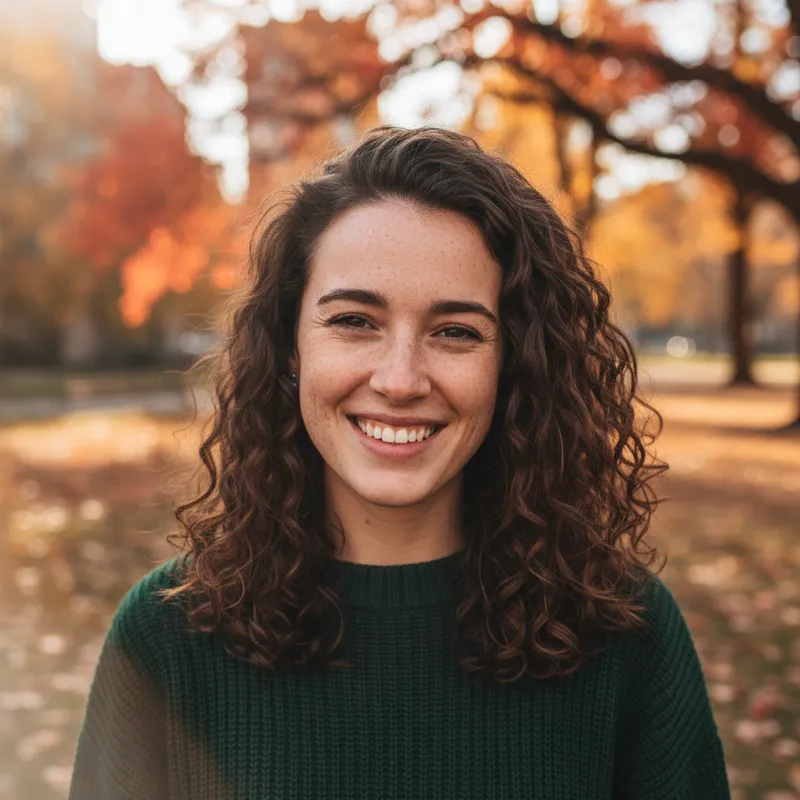
Snowy evening 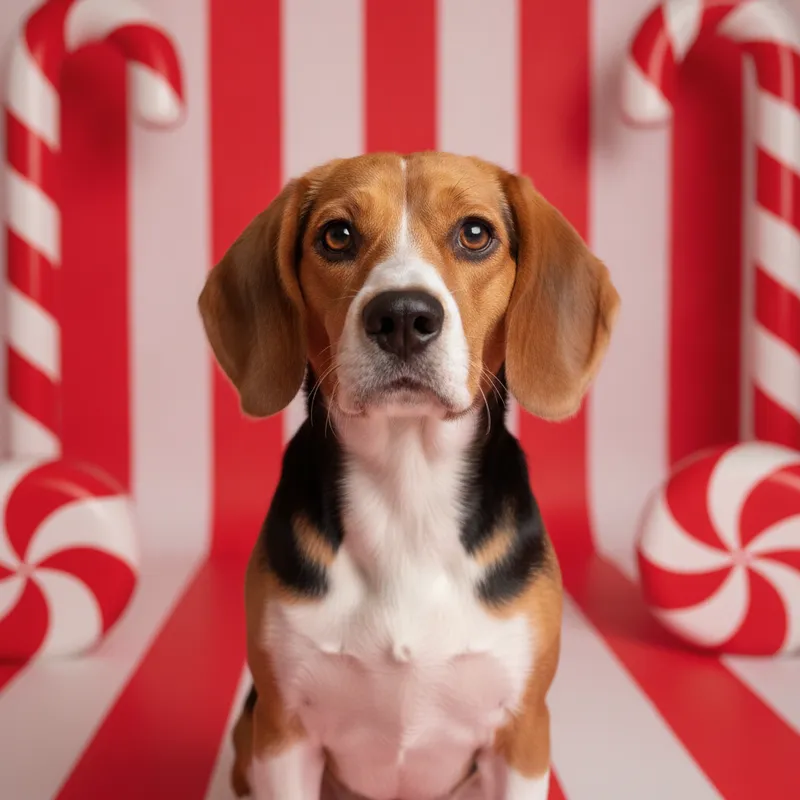
Candy cane studio 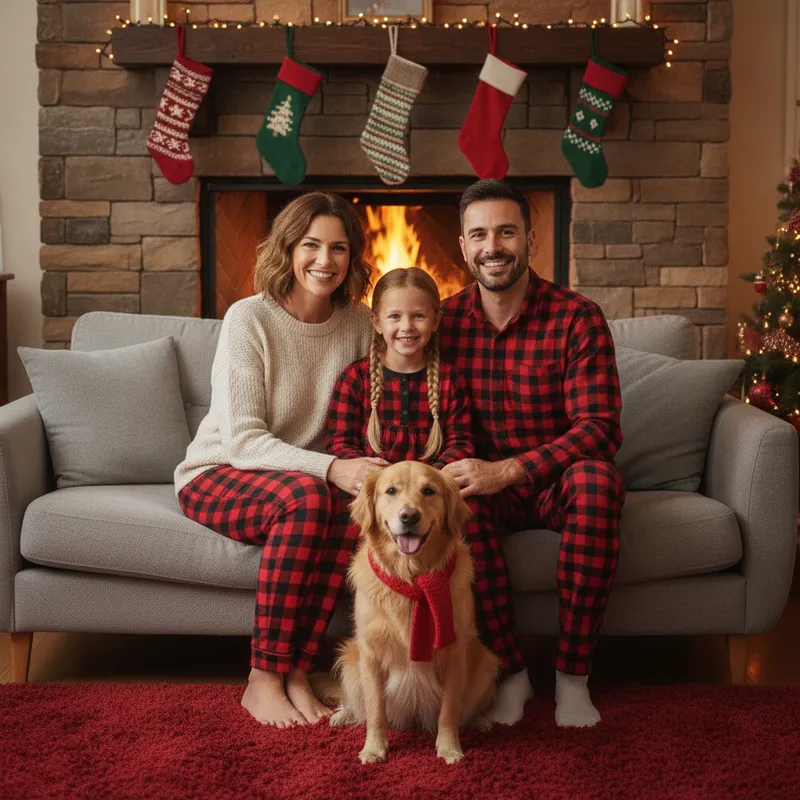
Matching pajamas 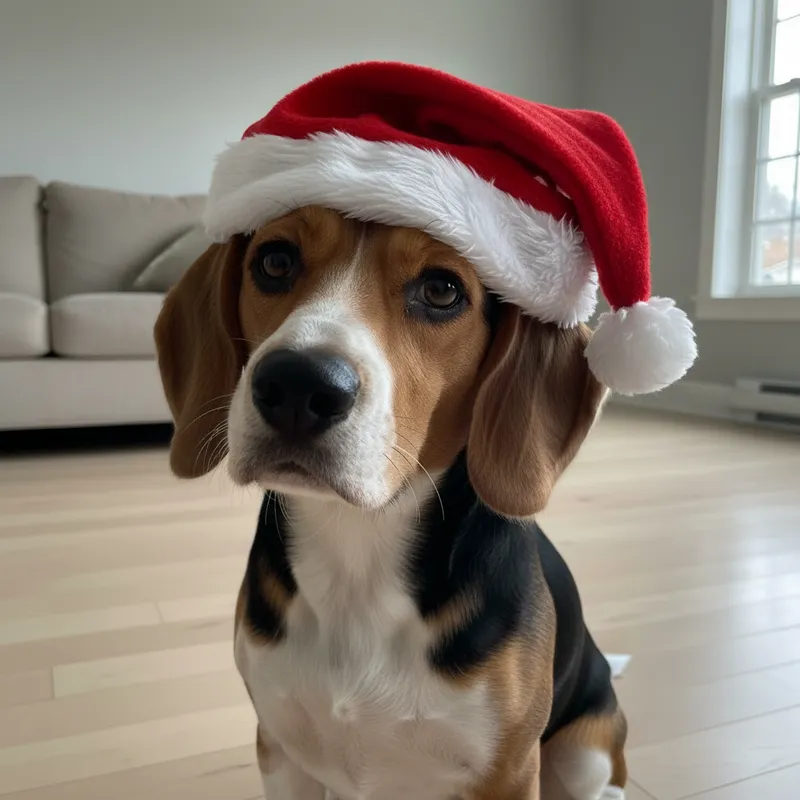
Add a Santa hat 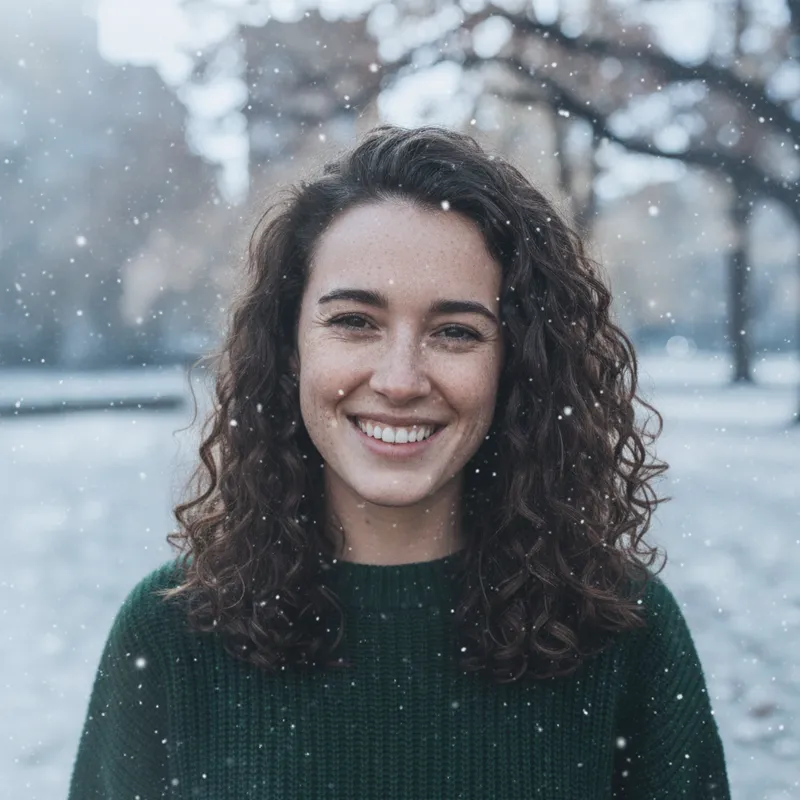
Add snow 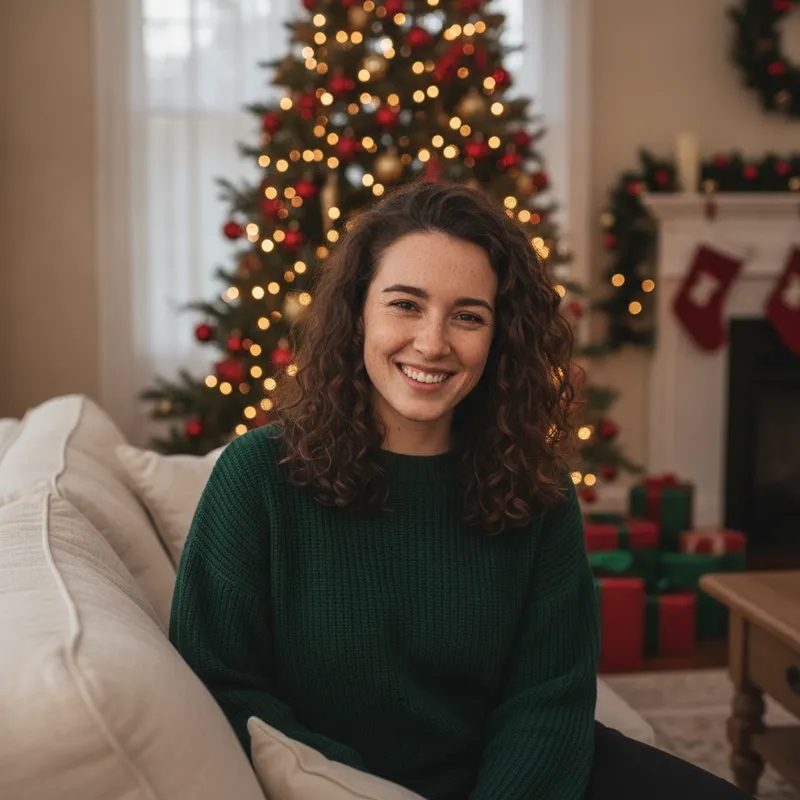
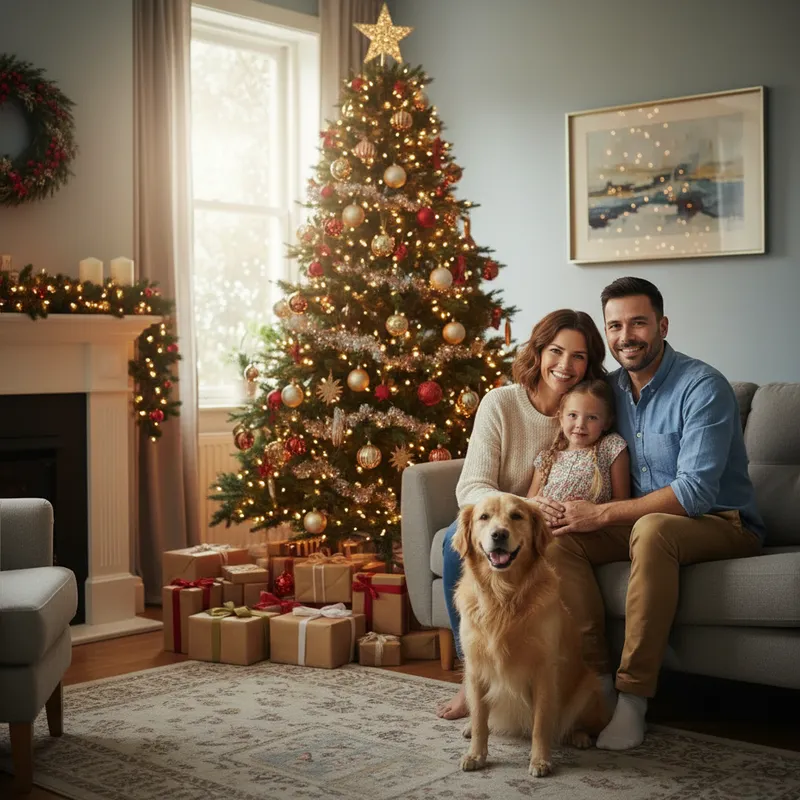
Cozy tree
How it works
How to make an AI Christmas photo
You, your family or your pet in one photo, faces visible. JPG, PNG or WebP up to 8 MB.
A new scene (tree, market, studio, pajamas), a look (1960s film, snow globe), or a small edit that keeps your photo: add snow or a Santa hat.
About 37 seconds. If an image fails, the 10 credits come straight back.
Prompts
AI Christmas photo prompts you can copy
One prompt per style on this page, written from the scene that style asks for, for pasting into a chat image tool together with your own photo. We have not tested them in other tools, so results there may differ. Or skip the prompt: pick the same style above and press Generate.
One prompt per style
Cozy tree
Using my uploaded photo, place the people and pets in a cozy living room on Christmas Eve, in front of a decorated tree with warm string lights and wrapped gifts, soft window light, photorealistic portrait. Keep every person and pet recognizable, and do not add or remove anyone. No text, logos or watermarks.
Snowy evening
Using my uploaded photo, place the people and pets on a snowy street at a Christmas market in the evening, with falling snow and glowing stalls and lights blurred in the background, photorealistic. Keep every person and pet recognizable, and do not add or remove anyone. No text, logos or watermarks.
1960s film
Make my uploaded photo look like a 1960s Christmas snapshot on color film: warm faded colors, soft grain, a living room with a tinsel tree and period furniture, and a white photo border. Keep every person and pet recognizable, and do not add or remove anyone. No text, logos or watermarks.
Snow globe
Using my uploaded photo, show the people and pets as tiny figures inside a glass snow globe on a wooden shelf, with a snowy pine scene inside the globe and soft bokeh lights behind it, photorealistic product shot. Keep every person and pet recognizable, and do not add or remove anyone. No text, logos or watermarks.
Candy cane studio
Using my uploaded photo, make a glossy holiday studio portrait of the people and pets on a red and white candy-cane striped set with giant candy canes and soft studio lighting. Keep every person and pet recognizable, and do not add or remove anyone. No text, logos or watermarks.
Matching pajamas
Using my uploaded photo, dress every person in the same red plaid Christmas pajama set, a long-sleeved top and full-length trousers, sitting together on a sofa by a fireplace with stockings. Only if the photo already has a pet, the pet wears a small red scarf; do not add any animal. Photorealistic. Keep every person and pet recognizable, and do not add or remove anyone. No text, logos or watermarks.
Add snow
Keep my uploaded photo as it is, with the same people, pets, pose, clothes, background and framing. Only add a light, natural snowfall and a thin layer of fresh snow where snow would settle, with slightly cooler winter light. Keep every face, expression, pose and outfit exactly the same. No text, logos or watermarks.
Add a Santa hat
Keep my uploaded photo as it is. Only add a classic red Santa hat with white fur trim and a white pom-pom on each person's head, and a small one on each pet, fitted naturally with matching light and shadows. Change nothing else. Keep every face, expression, pose and outfit exactly the same. No text, logos or watermarks.
What it does and does not do
Works well with
- Selfies and portraits
- Families and groups in one photo
- Pets, on their own or with people
Not designed for
- Combining separate selfies into one family picture
- Photos of celebrities or people who did not agree
- Your own prompt: styles are fixed presets
Pricing
Credit packs or a monthly plan.
Credits come in one-time packs ($4.99 for 50 credits, $9.99 for 120 credits, $19.99 for 300 credits); each image costs 10 credits. Or pick a plan from $9.90 a month (500 credits), cancel anytime.
Refund policy- Basic · $9.90/month500 credits a month · about 50 images · $0.20 per image
- Pro · $19.90/month1500 credits a month · about 150 images · $0.13 per image
Billed every month and renews automatically. Cancel anytime in Settings; you keep the plan until the end of the month you paid for. Each month's credits are for that month; unused ones expire.
Refund policyFAQ
Questions, answered
How do I make an AI Christmas photo of myself?
Upload one clear photo, pick a style and press Generate.
Is there a free AI Christmas photo generator?
Partly: new accounts get 10 free credits after signing in, enough for 1 free image (once per account). Each picture costs 10 credits, from $0.13 each on a monthly plan, or one-time packs from $4.99. Failed pictures are refunded.
Does it work with pets?
Yes; every style keeps pets as well as people.
Does everyone get matching pajamas in a family photo?
The adults do. Children often keep the clothes they wear in your photo, so for a matching set on everyone, a photo of adults works best.
Can I combine separate photos into one family picture?
No; upload one photo that already has everyone in it.
Will it still look like me?
Each style is told to keep faces, hair and skin tone; if a result fails, its credits come back.
How long does it take?
About 37 seconds per image.
Can I just add snow or a Santa hat to my photo?
Yes: the Add snow and Santa hat styles keep your photo as it is and only add that.
Your Christmas photo is one upload away.
Upload a photo, pick a style, download it in about 37 seconds.
Make a Christmas photo