ImageUpscaler alternative: which ImageUpscaler, its real limits and prices, and what this site can’t do
This site is not an ImageUpscaler alternative for enlarging pictures: it cannot upscale and every result is 1024 × 1024, so to enlarge use imageupscaler.com (5 trial credits, plans from $9.90 a month) or another upscaler, while the editor here cleans up one photo in about 37 seconds for 10 credits. Free with sign-up: 10 credits = 1 image, then from $0.13 per image.
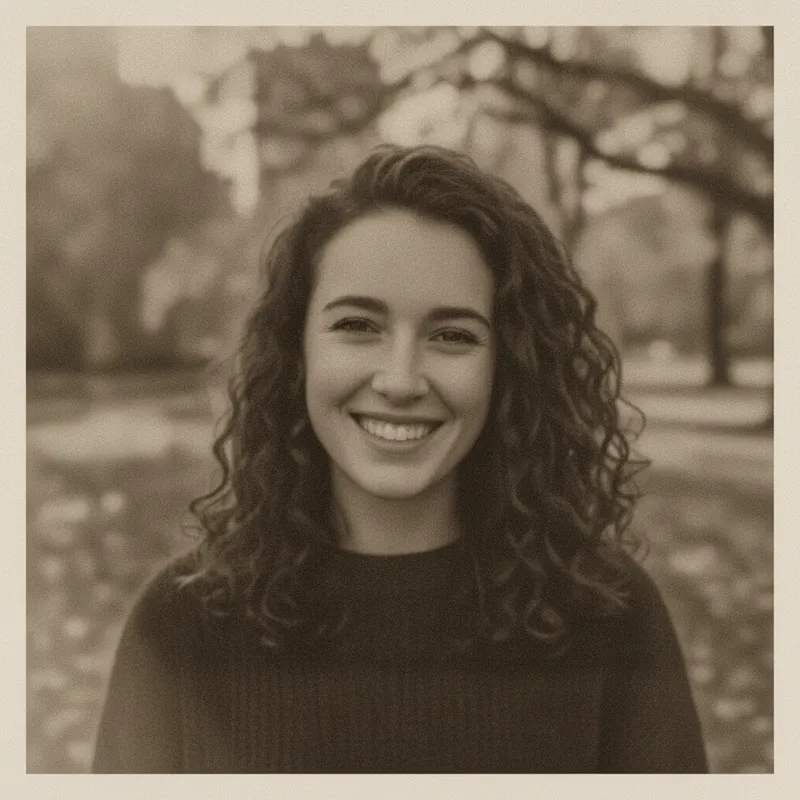
 Your photo
Style changes (cartoon, 3D, anime) are not reliable yet. If the result looks unchanged, try again or describe the change more specifically.
One-tap edits
- Cannot upscale: output is 1024 × 1024
- Not affiliated with imageupscaler.com
- Free with sign-up: 10 credits = 1 image
- trial credits on imageupscaler.com: 5 without an account, 6 more after signing up (its pages)
- 5 + 6
- its cheapest plan a month, for 50 credits
- $9.90
- largest input it processes as stated; bigger images are shrunk first
- 2000 px
- size of every result from this site’s editor
- 1024 × 1024
Which ImageUpscaler, and what its own pages say
“ImageUpscaler” is not one site
- Searching the bare word returned many unrelated tools: Freepik’s Image Upscaler, an upscaler recipe in Civitai’s developer docs, an Atlas Cloud API model, a Chrome extension, Eachlabs, Clipdrop’s Image Upscaler and more, plus imageupscaler.com. We did not open those other results, so we say nothing about them beyond their existence. This page is about imageupscaler.com.Source: Web search (not Google) ·
- imageupscaler.io is a different site, not the same service under another address: it offers upscaling from 1.5x to 10x, a headshot generator and a photo enhancer, says plans start at $9 a month for 20 AI generations with watermark-free downloads and a 30-day money-back guarantee, shows a Gmail contact address, and names no company or person. It does not describe any free use of its AI tools. We read it as a page summary, not in a browser.Source: imageupscaler.io ·
imageupscaler.com (its own pages)
- What it is: an online photo service that says it began as a deep-learning network for upscaling and grew into a multi-tool: upscale, unblur, enlarger, JPEG-artifact removal and enhance. The About page says “a young, ambitious team from Ukraine” and lists changes from 2019 to September 2, 2025.Source: imageupscaler.com home and About ·
- Trial: its FAQ says that without registration you get 5 credits and that after signing up you get 6 more. The pages we read do not say how many credits one upscale uses, so we cannot turn 11 credits into a number of pictures.Source: imageupscaler.com ·
- Plans (Individual tab): Starter $9.90 a month for 50 credits; Premium $25 a month for 500 credits with queue priority; Premium Plus $29 a month for 1000 credits with queue priority. All list ad-free use and batch upload. Annual billing is offered with a stated saving of 42% (Starter) or 40% (the other two). We did not read the Business tab.Source: imageupscaler.com pricing ·
- The upscale tool says: JPG, JPEG, PNG, WEBP or BMP up to 30MB and 2000x2000, larger images downsized; factors 2x and 4x, with 6x and 8x for subscribers; four modes (Auto, General, Anime/Cartoon, FacePro); “10-40 seconds”. It claims output up to 16K (8x). Its FAQ answer on the highest output says 8000x8000.Source: imageupscaler.com upscale page ·
- Privacy: the home FAQ and the privacy policy both say images are deleted 60 minutes after upload. The policy names “Image Upscaler” as data controller and says personal data is processed in Ukraine.Source: imageupscaler.com privacy policy ·
- API: “Your first 100 API calls per month are on us.” The upscale method lists a file size of up to 1.2 MB, JPG or PNG. We saw no price for more calls.Source: imageupscaler.com API page ·
- Terms (last updated May 22, 2026): subscriptions renew until you cancel, with no prorated refund for the current term. Section 2 licenses the site’s own content for personal, non-commercial use, and section 4 says the site may not be used for commercial endeavours except those it endorses or approves. The home page, though, lists website owners, sellers and designers as users.Source: imageupscaler.com terms ·
Our own arithmetic on its stated rules (not a test)
- Output size by input size, from its rule that images up to 2000 px are multiplied by the factor and larger ones are cut to 2000 px first: an 800 × 800 photo at 4x gives 3200 × 3200; a 1000 × 1000 photo at 4x gives 4000 × 4000 (the page’s own example); a 2000 × 2000 photo gives 8000 × 8000 at 4x and 16000 × 16000 at 8x. A 4000 × 3000 phone photo is cut first, so 4x of it is probably about 8000 × 6000 if the page means the longer side; it does not say which side.Source: Our arithmetic from imageupscaler.com ·
- Price per credit, plan price divided by credits: Starter about $0.198, Premium $0.05, Premium Plus about $0.029. Credits per upscale are not stated, so these are not prices per picture.Source: Our arithmetic from imageupscaler.com ·
- Three places where its own pages disagree: the tool page says 2000x2000 input while the 2024 About entry says up to 10000x10000; the same tool page says up to 16K in its heading and 8000x8000 in its FAQ; and the commercial-use wording differs between the terms and the home page. These are readings of its own text, not errors we can prove; the 2000 px figure is the one on the tool page itself.Source: imageupscaler.com, several pages ·
This site (our own settings, read on 2026-11-19)
- Output size: every result from a square photo in our staging runs was 1024 × 1024, and the editor has no enlarge factor or size option. The upload limit is one JPEG, PNG or WebP up to 8 MB, plus a written request up to 400 characters.Source: This site’s settings ·
- The one-tap “Sharpen and clean up” edit asks the model to gently sharpen the photo, reduce noise and compression artifacts, and recover fine detail in hair, fabric and edges, keeping everything else and the people as they are. It is a generative edit, not a pixel-for-pixel enlarger.Source: This site’s settings ·
Not confirmed
- Credits used per upscale, whether a free result carries a watermark (the pages we read say neither yes nor no), the free output ceiling in pixels, the Business plan and the API price after 100 free calls.Source: imageupscaler.com ·
- How good its results are: we ran none of its tools, the pictures on its own pages are its own, and the pages that rank for this word are mostly vendor and directory pages. We do not rank quality.Source: Web search (not Google) ·
Side by side
imageupscaler.com, imageupscaler.io and this site
| - | imageupscaler.com | imageupscaler.io | This site |
|---|---|---|---|
| Does it enlarge? | Yes: 2x, 4x; 6x and 8x for subscribers | Yes: 1.5x to 10x | No. Every result is 1024 × 1024 |
| Trial or free | 5 credits without an account, 6 more after sign-up | Free use of its AI tools is not described | Free with sign-up: 10 credits = 1 image |
| Paid (as stated) | $9.90 for 50 credits, $25 for 500, $29 for 1000, monthly | From $9 a month for 20 AI generations | 10 credits per image, from $0.13 on a monthly plan |
| Largest input | 30MB and 2000 × 2000 px; bigger is downsized | Not shown on the page we read | 8 MB; result is 1024 × 1024 |
| How long files stay | Deleted 60 minutes after upload (policy) | Not shown on the page we read | See this site’s privacy page |
| Who runs it | “A team from Ukraine”; controller “Image Upscaler” | No company or person named | This site |
When to use which
ImageUpscaler alternative: which tool for which job
First check which ImageUpscaler you mean
imageupscaler.com and imageupscaler.io are two different sites with different prices, and the word also names tools at Freepik, Clipdrop and others. Look at the address and at the contact email before you pay anyone.
You need a bigger picture: use an upscaler
imageupscaler.com is one choice for 2x to 8x; Bigjpg, Upscayl and Upscale.media are others. This site cannot do it.
Watch the 2000 px input rule
On imageupscaler.com a photo larger than 2000 px is cut to 2000 px before it is enlarged, so a big phone photo may not give the size the headline suggests. Do the sum first: input size times the factor.
You need the same size but cleaner: use the editor here
Upload one photo and tap “Sharpen and clean up”, or write your own request (up to 400 characters). It takes about 37 seconds and 10 credits, and the result is 1024 × 1024. If your original is larger, keep it.
Prompts
Same-size clean-up prompts for this site’s editor (no enlarging)
These prompts are for this site’s photo editor and fix one picture at 1024 × 1024; none enlarges it. We did not run them for this page, so results may vary. You can also type your own request in the editor, up to 400 characters.
Soft face photo
Another “smart” route to sharper photos: smart upscalerNot run for this page. imageupscaler.com lists a “FacePro” mode for faces; this is the same-size version of that job, and it cannot make the face bigger in pixels.
Make a soft face photo clearer
Keep my face, expression, hair and clothes exactly the same. Gently sharpen the eyes, eyelashes, lips and hair strands so the face looks clearer, keep natural skin texture and do not smooth the skin or change any features. No text, logos or watermarks.
Motion-blurred snapshot
The same question at a bigger size: 16K upscalerNot run. Real motion blur cannot always be undone; a generative edit may redraw hands or edges, so compare with your original.
Reduce motion blur in a snapshot
Keep the people, pose, background and colours exactly the same. Reduce the motion blur and camera shake in this snapshot, make the edges of faces, hands and clothes crisper, and do not add or remove anything. No text, logos or watermarks.
Scanned paper print
Compare another upscaler brand: Bigjpg alternativeNot run. Dust and fold lines are damage, not missing pixels, so cleaning them is a different job from enlarging; the result is still 1024 × 1024.
Clean up a scanned paper print
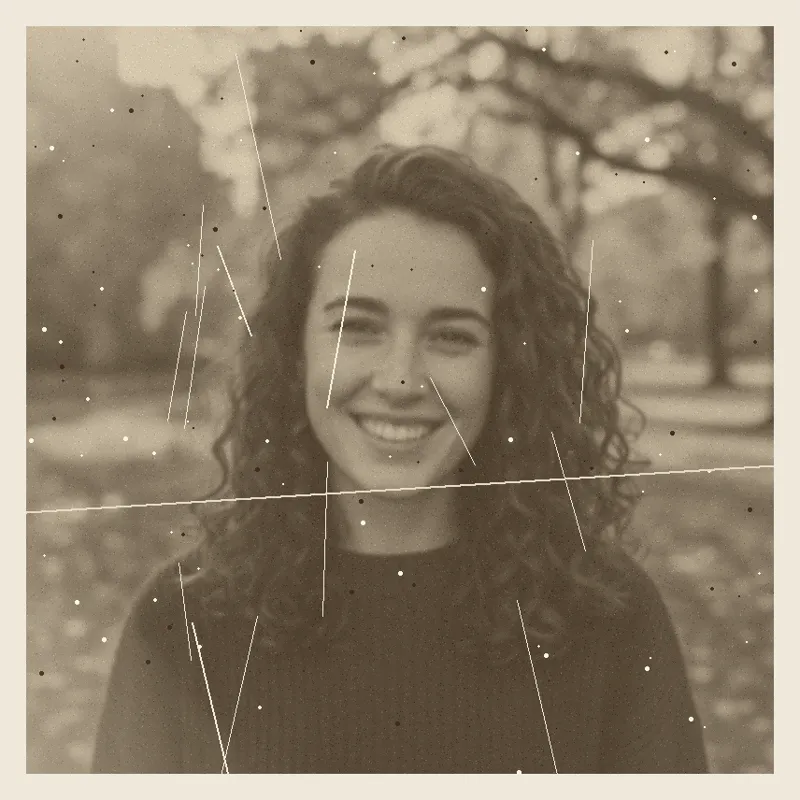
Keep the people and the whole composition exactly the same. Clean up this scanned paper print: remove dust specks, fold lines and scanner streaks, even out the faded tones and sharpen the faces gently, while keeping the old-photo look. No text, logos or watermarks.
Pricing on this site
Credit packs or a monthly plan.
Credits come in one-time packs ($4.99 for 50 credits, $9.99 for 120 credits, $19.99 for 300 credits); each image costs 10 credits. Or pick a plan from $9.90 a month (500 credits), cancel anytime.
Refund policy- Basic · $9.90/month500 credits a month · about 50 images · $0.20 per image
- Pro · $19.90/month1500 credits a month · about 150 images · $0.13 per image
Billed every month and renews automatically. Cancel anytime in Settings; you keep the plan until the end of the month you paid for. Each month's credits are for that month; unused ones expire.
Refund policyPhoto tools on this site
Images only: edits, restyles and effects for your own photo


FAQ
Questions, answered
What is ImageUpscaler (imageupscaler.com)?
imageupscaler.com is an online AI photo service that began with an upscaler and now also offers unblur, JPEG-artifact removal and enhance tools. Its pages say it is run by a team from Ukraine. Other tools have near-identical names, such as the Image Upscaler pages at Freepik and Clipdrop.
Is imageupscaler the same as imageupscaler.io?
No. imageupscaler.io is a different site with its own offers: upscaling from 1.5x to 10x, a headshot generator, plans from $9 a month for 20 AI generations and no company named. Check the address and the contact email before you pay.
Is ImageUpscaler free?
Only as a trial. imageupscaler.com says visitors without an account get 5 credits and that 6 more come after signing up. We could not find how many credits one upscale uses, so we cannot say how many pictures that is.
How much does ImageUpscaler cost? What are its limits?
Plans listed are $9.90 a month for 50 credits, $25 for 500 and $29 for 1000. The tool takes JPG, PNG, WEBP or BMP up to 30MB and 2000 × 2000 px, shrinks larger images first, and offers 2x and 4x, with 6x and 8x for subscribers.
Is ImageUpscaler safe? Does it keep my photos?
Its privacy policy says images are deleted 60 minutes after upload and that personal data is processed in Ukraine. That is the site’s own statement; we did not test it. For private photos, read the policy yourself first.
Can I use ImageUpscaler for commercial work?
Unclear. Its terms license the site’s content for personal, non-commercial use and say the site may not be used for commercial endeavours unless approved, while its home page lists businesses as users. Ask the site in writing before you rely on it for client work.
Is this site an ImageUpscaler alternative? Can it upscale?
Not for enlarging. This site cannot upscale: every result is 1024 × 1024 and there is no enlarge option. It can clean up one photo, sharpening and reducing noise at the same size. For a bigger file use an upscaler; our pages on the smart upscaler and the 16K upscaler explain the same limit.
Can I try something here for free?
Partly: new accounts get 10 free credits after signing in, enough for 1 free image (once per account, valid for 7 days, while the day's new-account gifts last). Each image costs 10 credits, from $0.13 per image on a monthly plan.
Need one photo cleaned up?
Upload it, tap “Sharpen and clean up” or write the change, and download the result in about 37 seconds.
Clean up a photo hereIndependent site. Not affiliated with imageupscaler.com, imageupscaler.io or any other tool named here, and this site does not enlarge images. Facts about those tools come from their own pages, read on 2026-11-19; prices, limits and availability may change.